

logo responsive
/

Magic Brooms Minecraft Mod

26.2, 1.21.11, 1.20.1

Portrait Broom Craft Scrolls Craft Brooms Workbenchs Crafts
Portrait
Broom Craft
Scrolls Craft
Brooms
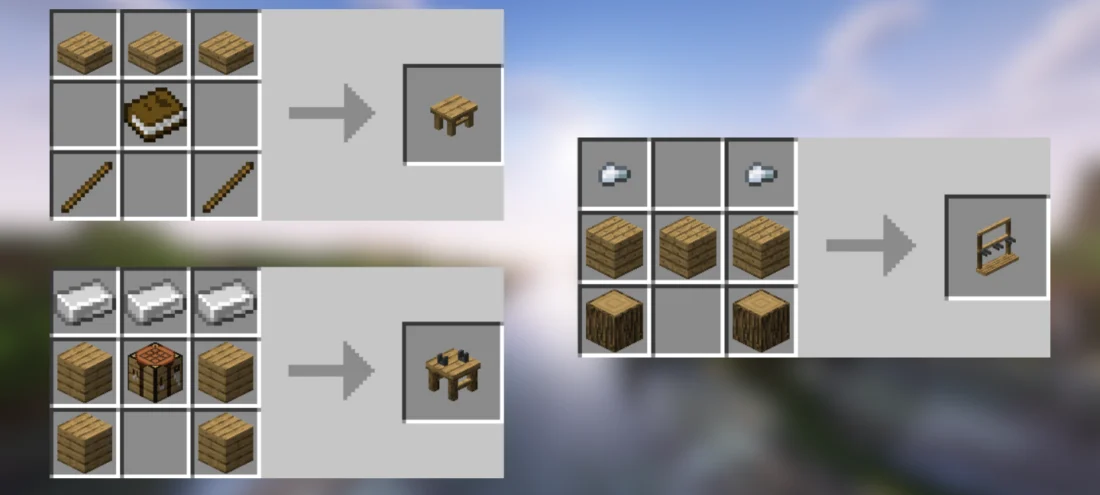
Workbenchs Crafts

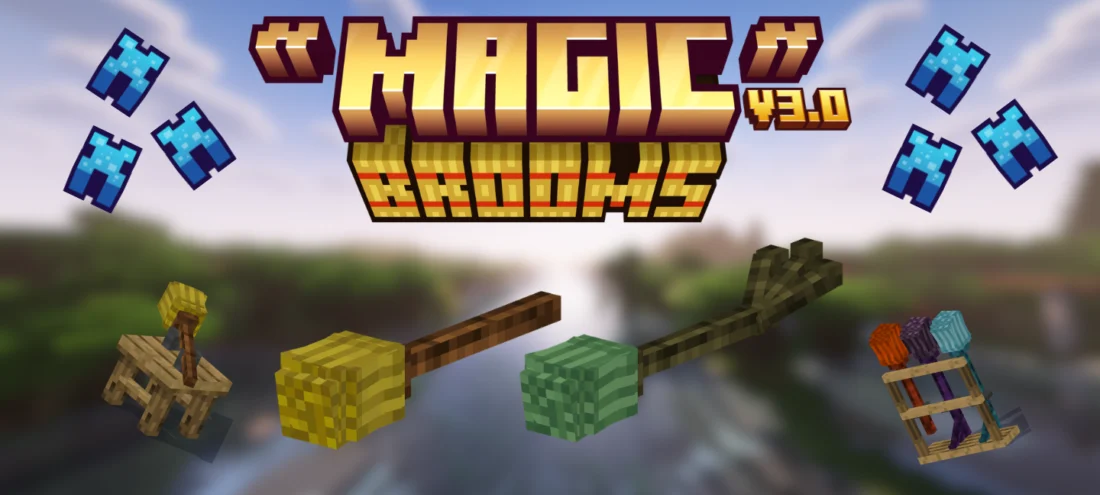
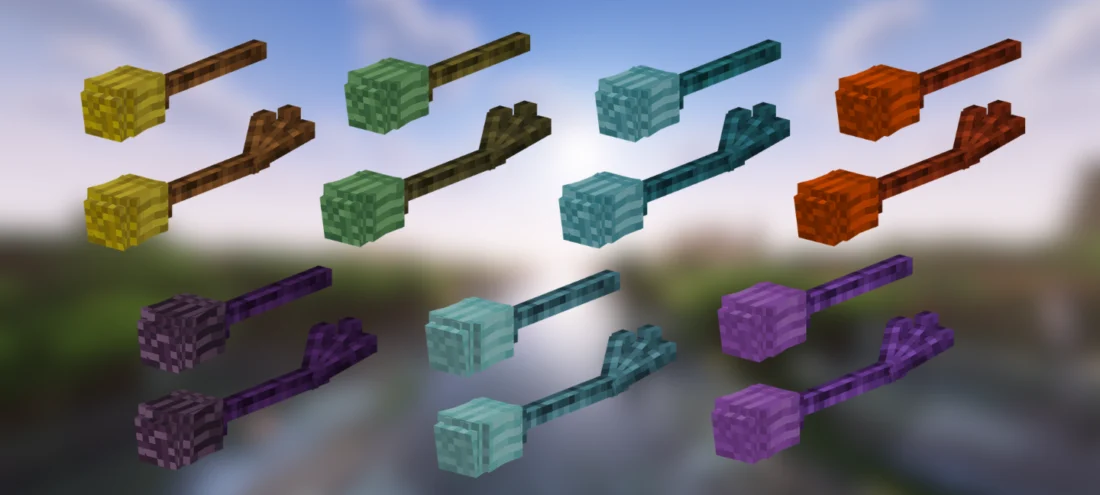
If you are bored of walking or relying on an elytra to get around your world, the Magic Brooms mod is a super fun way to travel. It adds 14 fully rideable broomsticks that bring a whole new flight mechanic to the game. Flying these brooms feels smooth and natural because they have actual momentum, banking animations, and real steering instead of just floating around like you are in creative mode. You get seven different broom families—including Fire, Ice, Ender, and Lightning—and each one comes with its own magical ability, like throwing rings of fire, blinking through the air, or summoning frost storms.

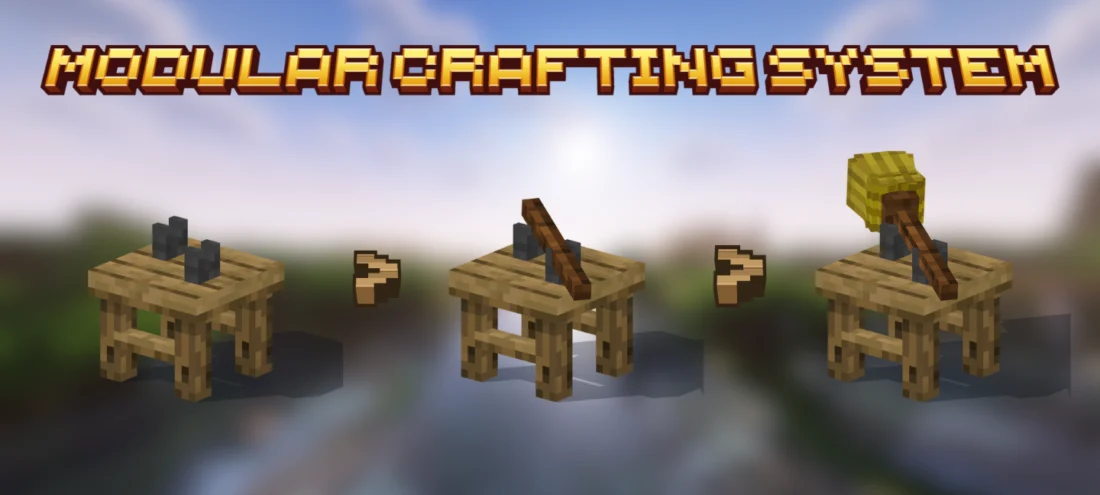
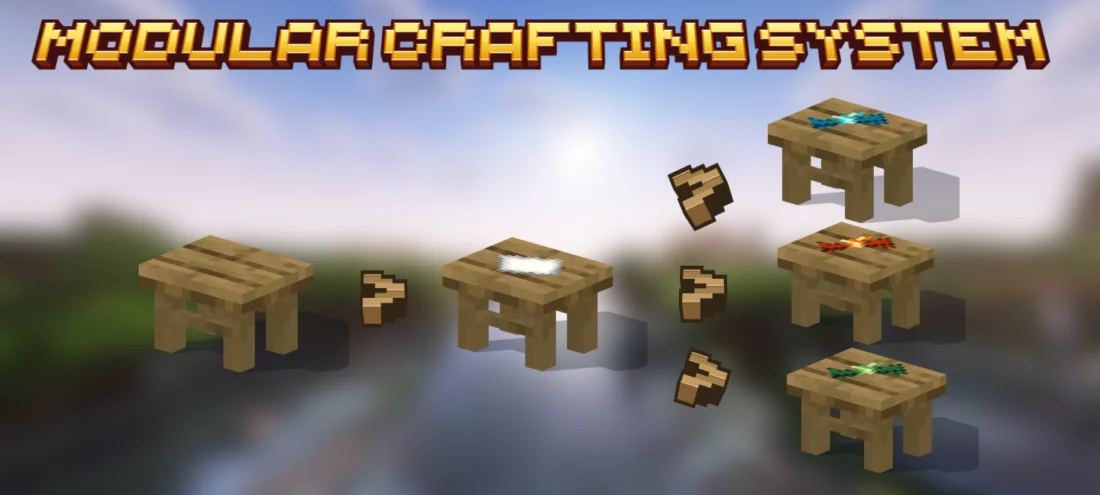
Crafting your new ride is also really satisfying thanks to the new Broom Assembly Bench. You physically place your wood, add the hay, and infuse it with magical catalysts step-by-step right on the bench until the finished broom floats up into your hands. It fits right into normal survival progression, giving you a cool magical upgrade that makes exploring biomes and travelling across big oceans way more exciting.


Fabric

  1. 1. Download, execute the Fabric installer, choose Client, select your Minecraft version, and click Install.
  2. 2. Download the Fabric API matching that Minecraft version.
  3. 3. Download Magic Brooms or any additional Fabric-compatible mods you want.
  4. 4. Place the Fabric API and all mods into .minecraft/mods folder.
  5. 5. Open the Minecraft Launcher, select the new Fabric profile, and press Play. Enjoy!

Forge

  1. 1. Download, execute the Forge installer, choose Client, and click Install.
  2. 3. Download Magic Brooms or any additional Forge-compatible mods you want.
  3. 4. Place all mods into .minecraft/mods folder.
  4. 5. Open the Minecraft Launcher, select the new Forge profile, and press Play. Enjoy!

NeoForge

  1. 1. Download, execute the NeoForge installer, choose Client, and click Install.
  2. 3. Download Magic Brooms or any additional NeoForge-compatible mods you want.
  3. 4. Place all mods into .minecraft/mods folder.
  4. 5. Open the Minecraft Launcher, select the new NeoForge profile, and press Play. Enjoy!

Download Magic Brooms Mod

Type Game version File version Loaders Download
R Release
26.2 v3.0.0
Fabric
File
R Release
26.2 v3.0.0
NeoForge
File
R Release
1.21.11 v3.0.0
Fabric
File
R Release
1.21.11 v3.0.0
NeoForge
File
R Release
1.21.1 v3.0.0
Fabric
File
R Release
1.21.1 v3.0.0
NeoForge
File
R Release
1.20.x v3.0.0
Fabric
File
R Release
1.20.x v3.0.0
Forge
File
R Release
1.18.2 v3.0.0
Forge
File
R Release
1.16.5 v3.0.0
Forge
File
R Release
1.12.2 v3.0.0
Forge
File

Magic Brooms Minecraft Mod

11 files • 26.2, 1.21.11, 1.20.1

Download



