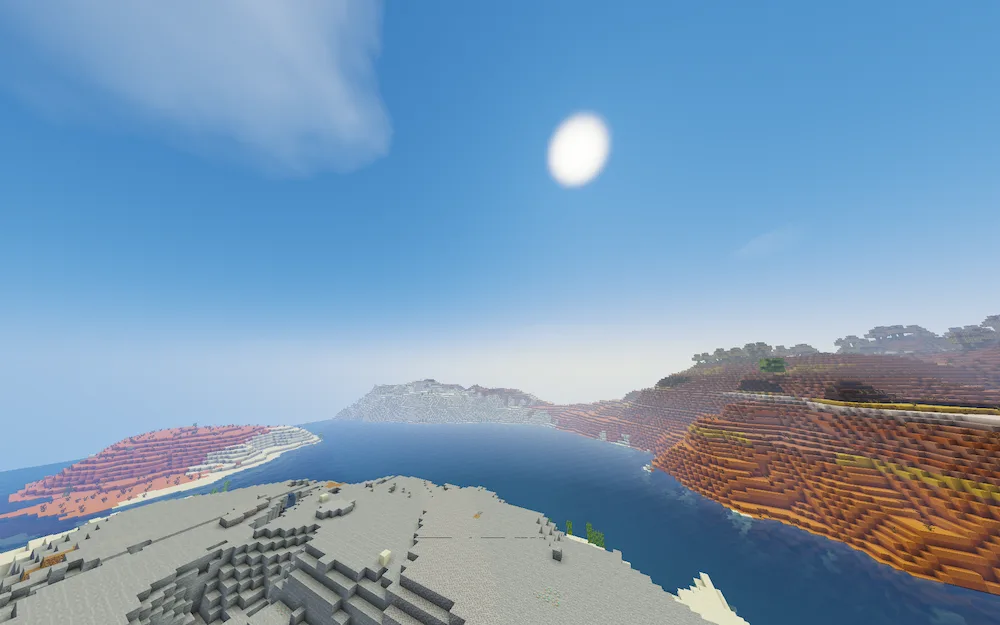
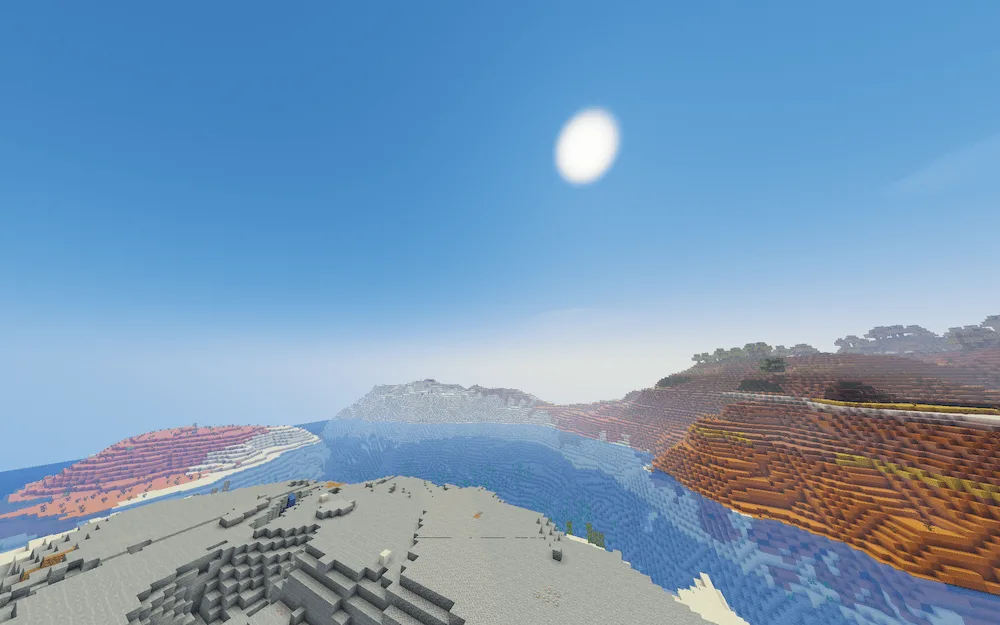
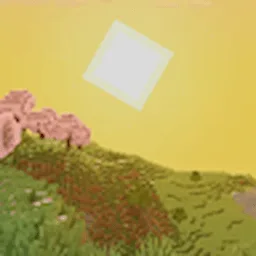
If you’re tired of your game lagging every time you try to make it look good, YoFPS is exactly what you need. It’s a custom edit of the famous Chocapic13’s Shaders that prioritizes high performance without making the world look ugly. It runs pretty much the same as Skylec, meaning you get those smooth frame rates even on PCs that aren’t super powerful. It also has full support for Iris, so setting it up is incredibly easy.
The best part about these shaders is how they balance quality and speed. You get that classic Chocapic lighting and atmosphere, but optimized so your computer doesn’t sound like a jet engine. Whether you’re building a massive base or just exploring new biomes, YoFPS keeps everything looking crisp and clean. It’s a solid choice for anyone who wants a better-looking game without sacrificing a single frame.


 Tags
Tags