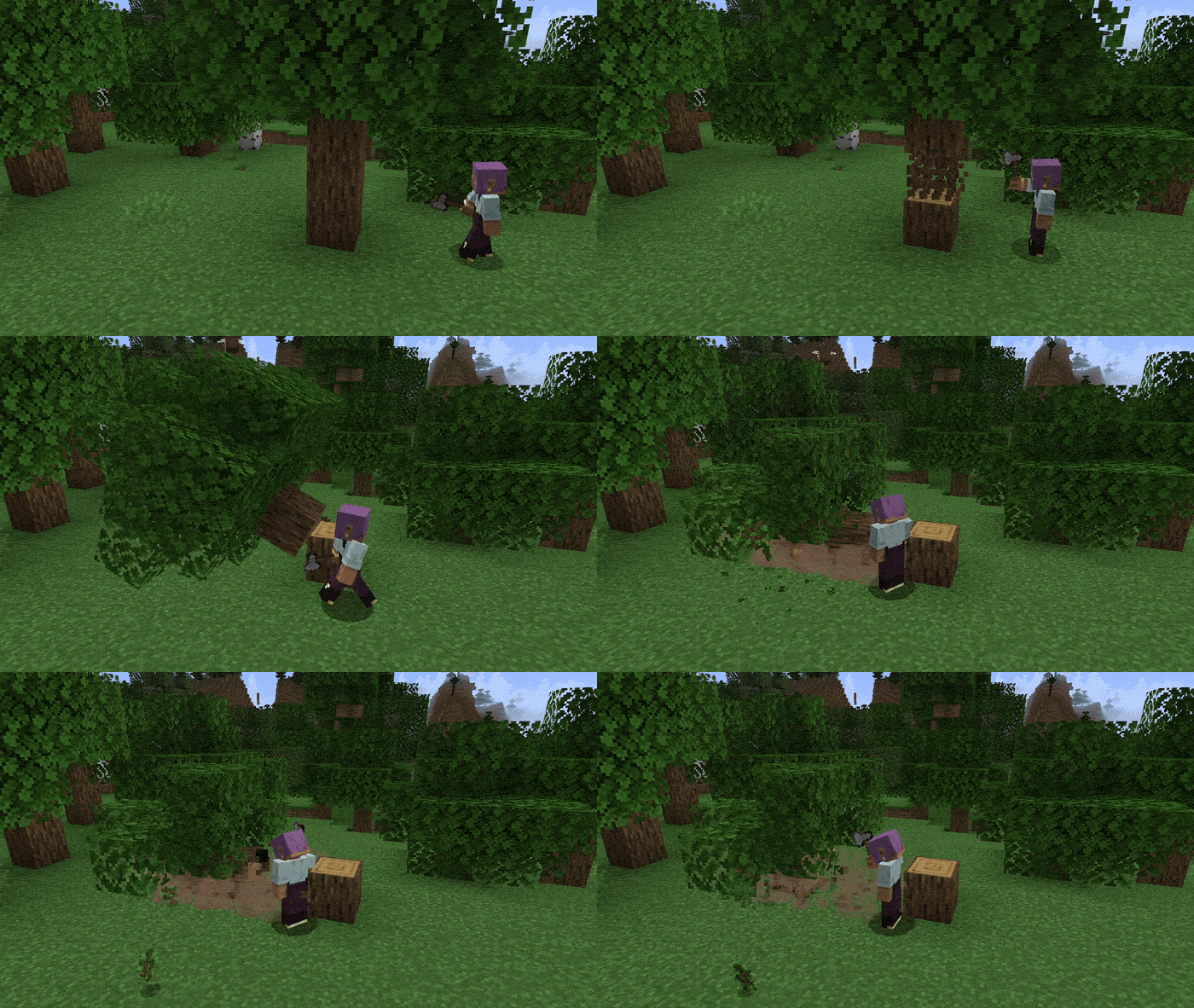
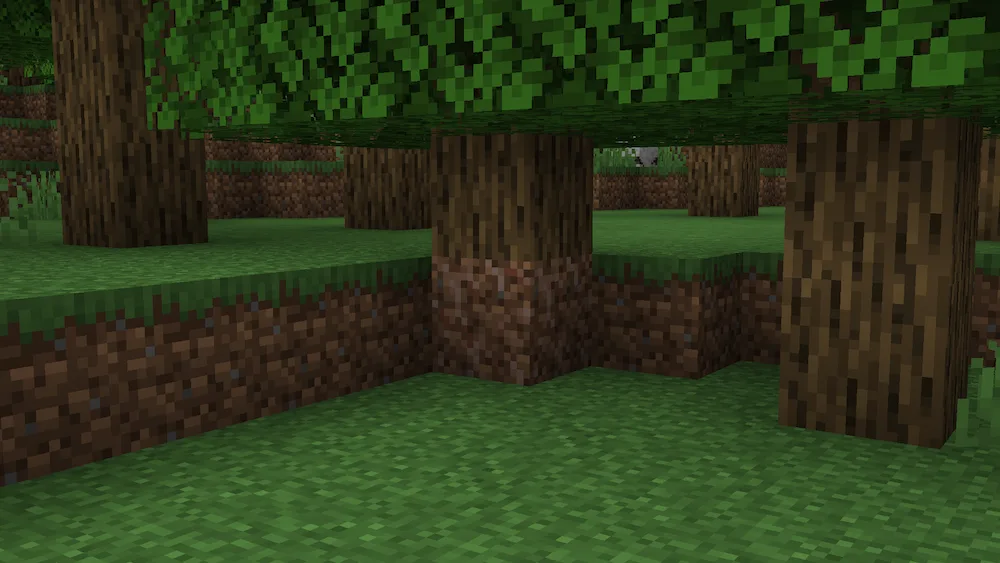
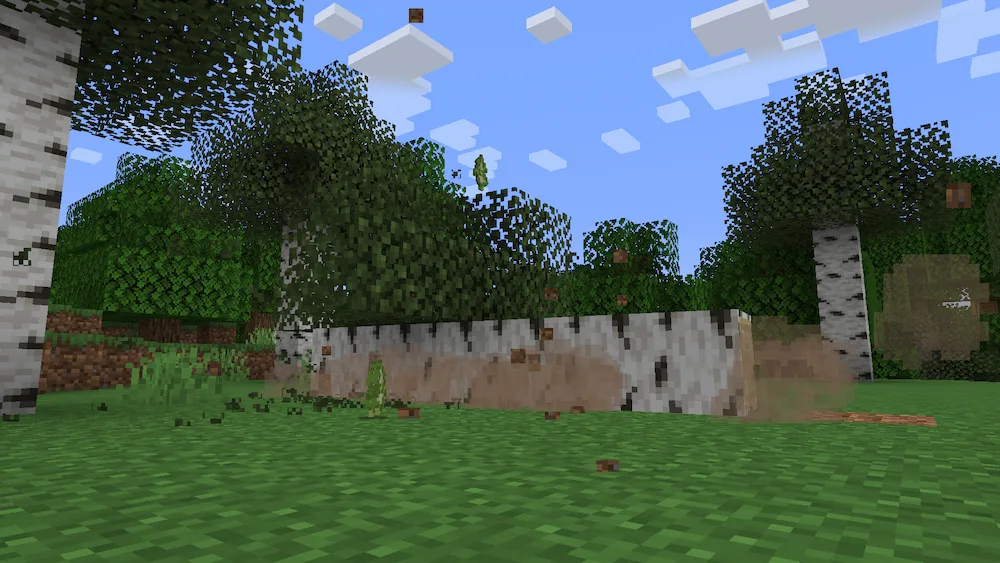
Tree Physics is a Minecraft mod that adds realistic tree-falling mechanics to the game, making forests feel more natural and immersive. Instead of leaving floating logs suspended in the air after chopping the base of a tree, the entire structure collapses and falls to the ground using dynamic physics. Trees become physical objects that interact with the world, creating a more believable survival experience whenever you gather wood.
One of the mod’s most interesting features is that fallen trees remain in the world as persistent structures. Players can walk across the trunks, build on top of them, or use them as part of their landscape, adding new possibilities for exploration, decoration, and world-building. This simple change makes forests feel more alive while giving players a visual reminder of their activities throughout the world.
Tree Physics also respects vanilla gameplay by providing an alternative harvesting method. By crouching while breaking a tree, players can disable the falling animation and cut logs normally, block by block. This makes the mod flexible enough for both players who want realistic tree physics and those who occasionally prefer traditional Minecraft mechanics.
Designed to be lightweight and highly configurable, the mod supports custom settings through datapacks, allowing players and modpack creators to adjust its behavior to match their preferred playstyle. If you are looking for a Minecraft survival mod that enhances immersion, forestry, and environmental realism without drastically changing gameplay, Tree Physics is an excellent addition to any world.






 Tags
Tags