

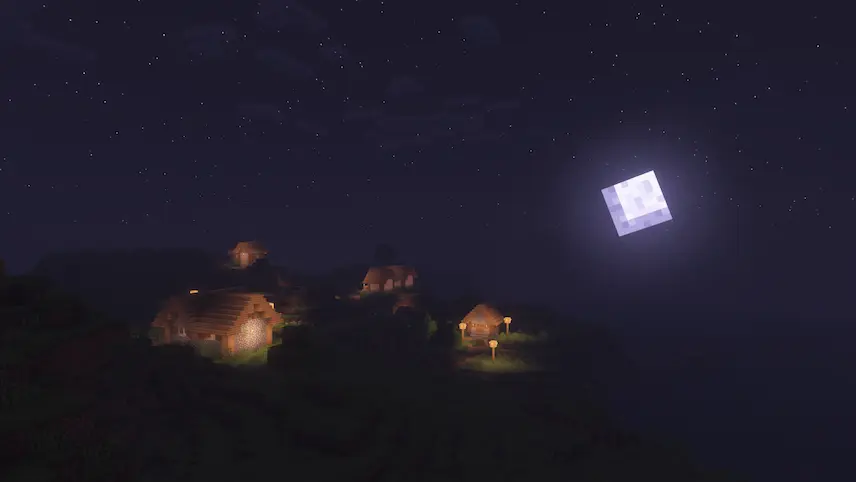
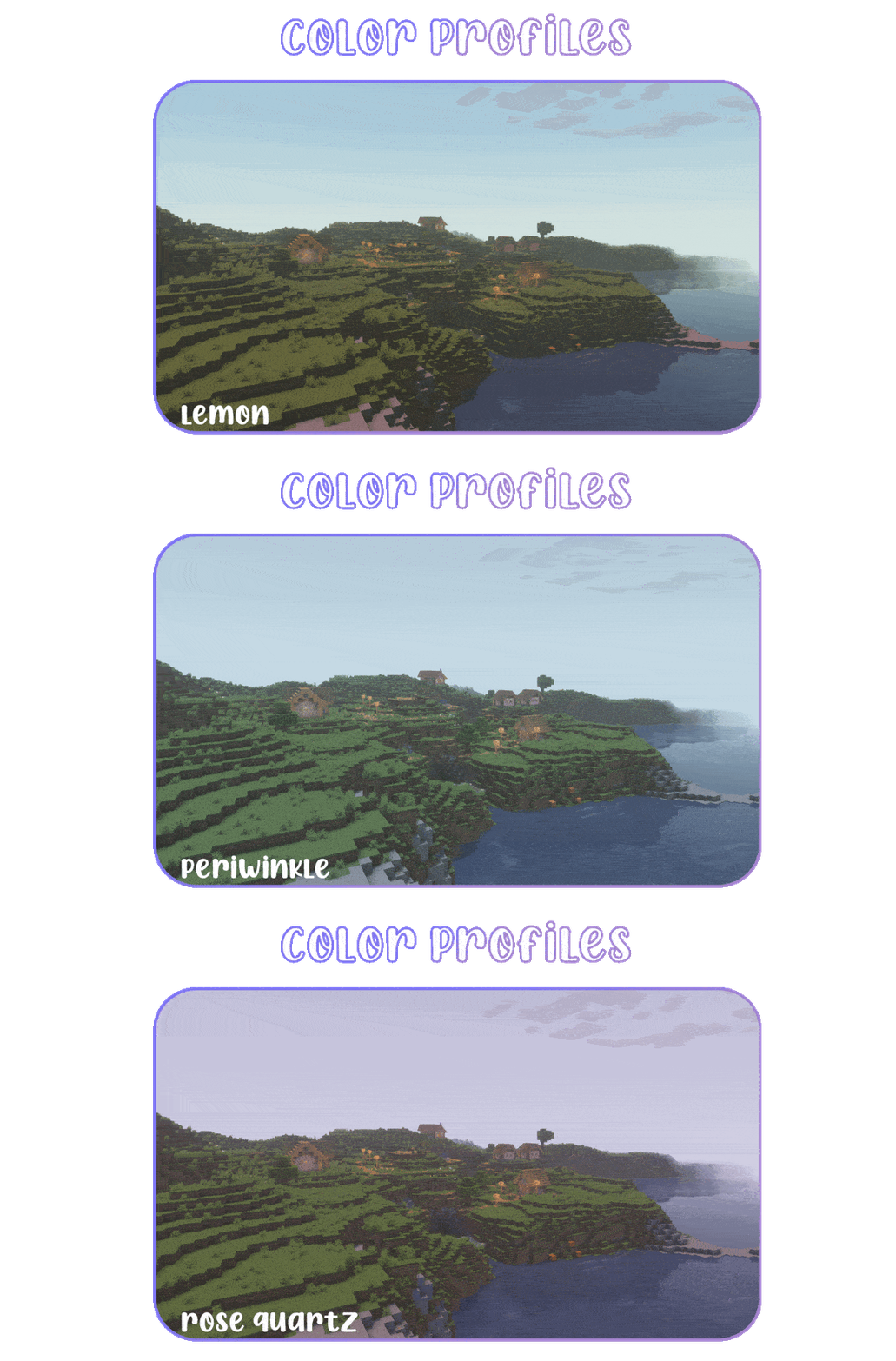
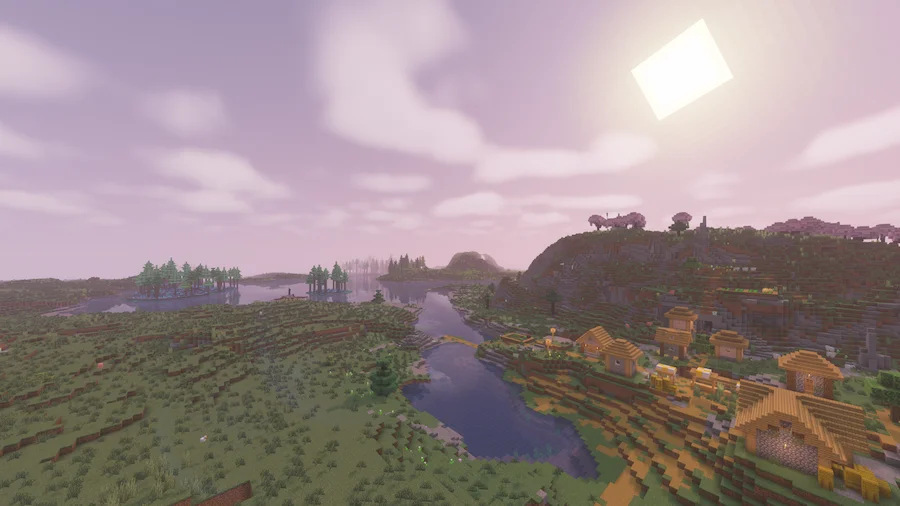
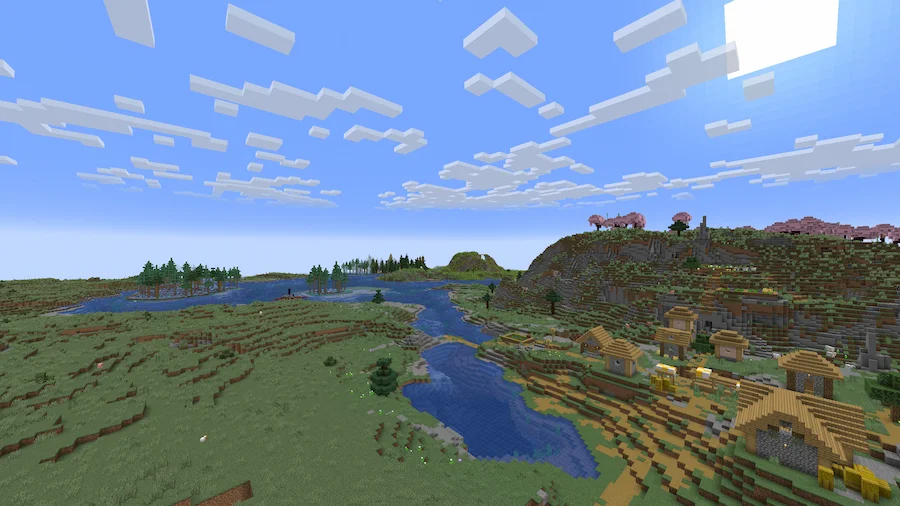
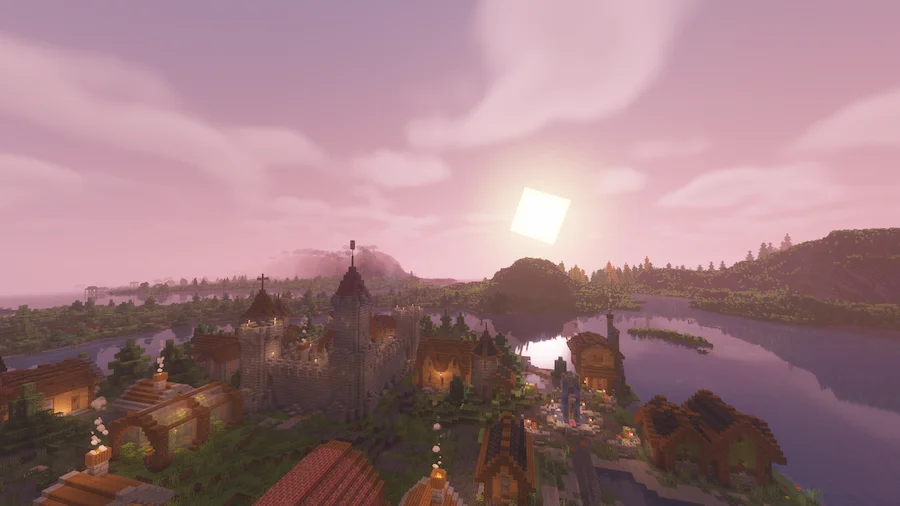
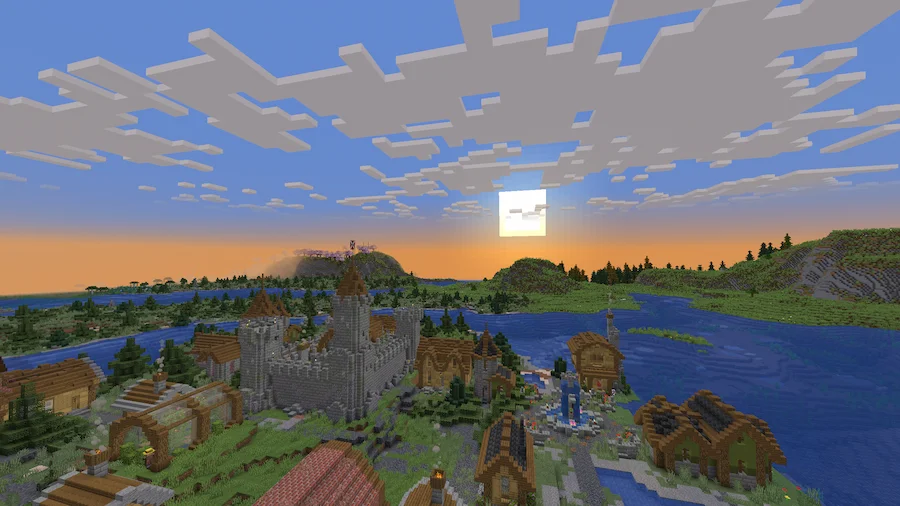
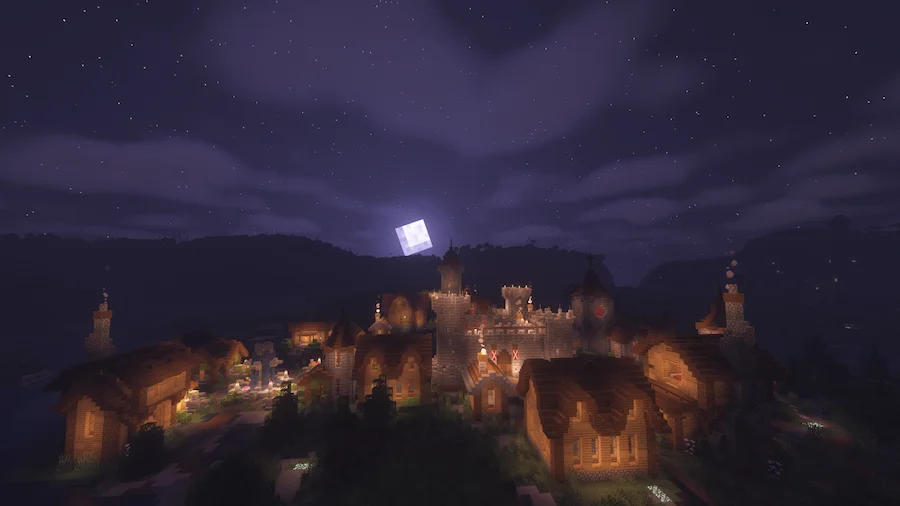
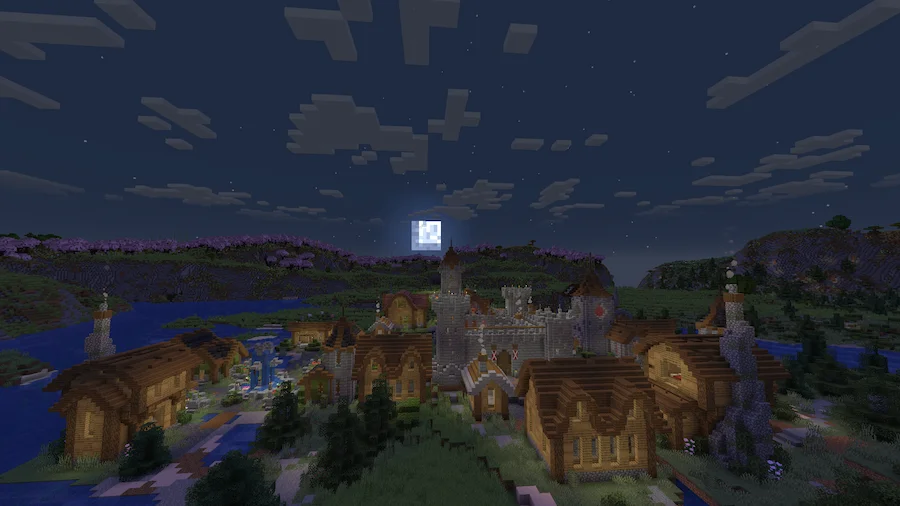
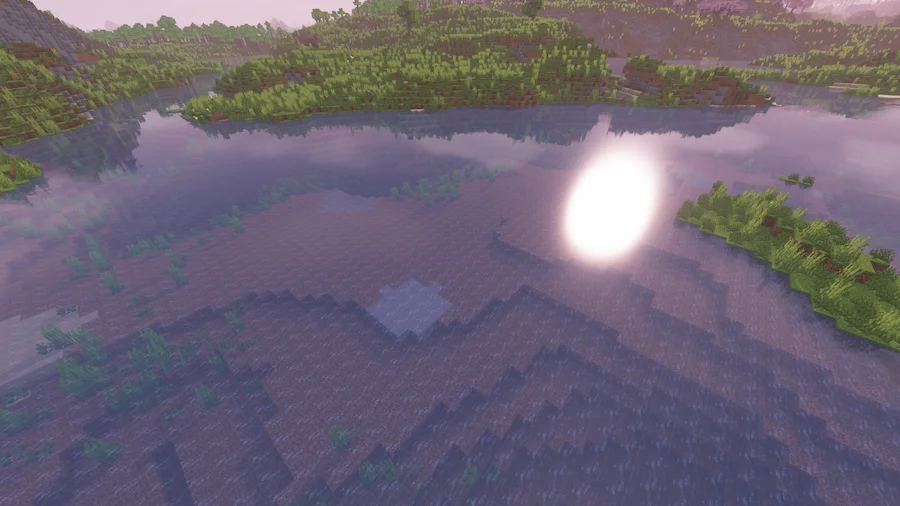
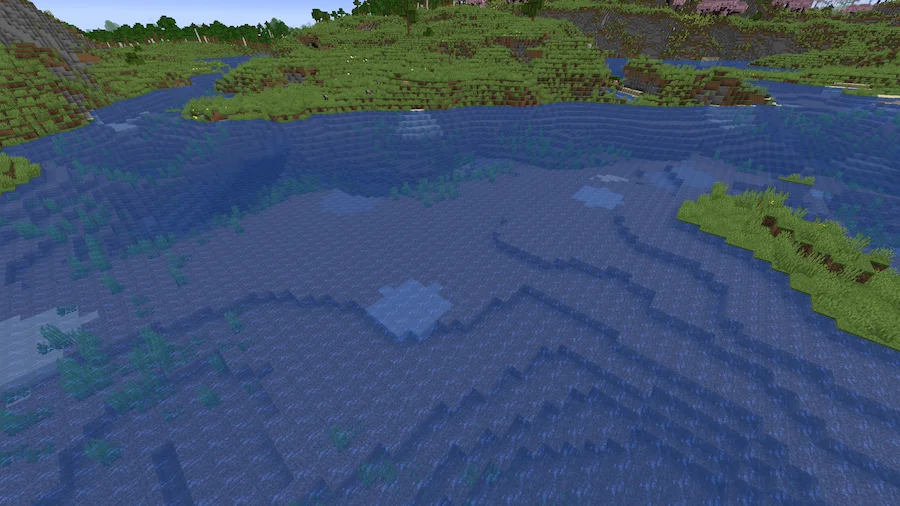
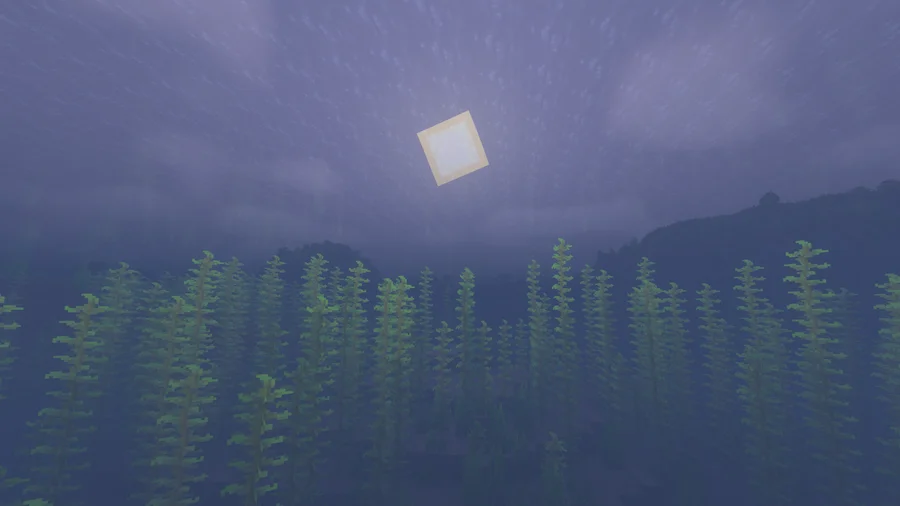
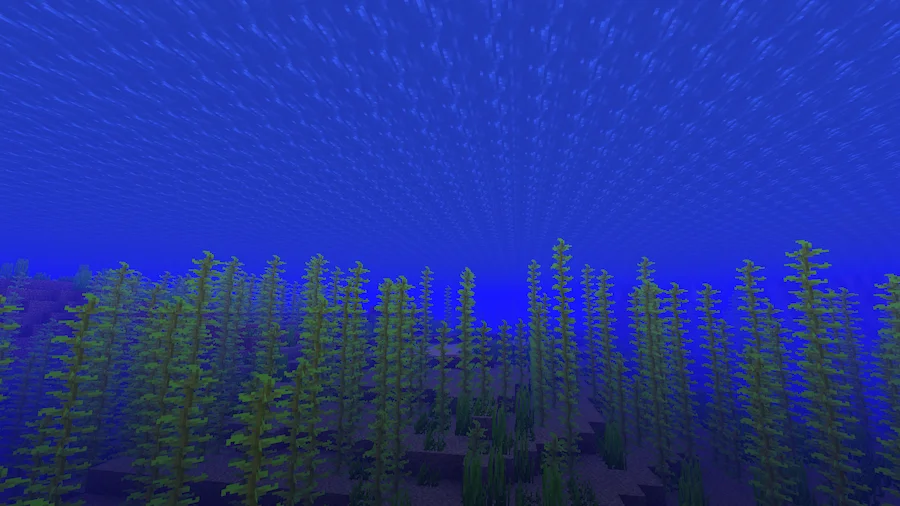
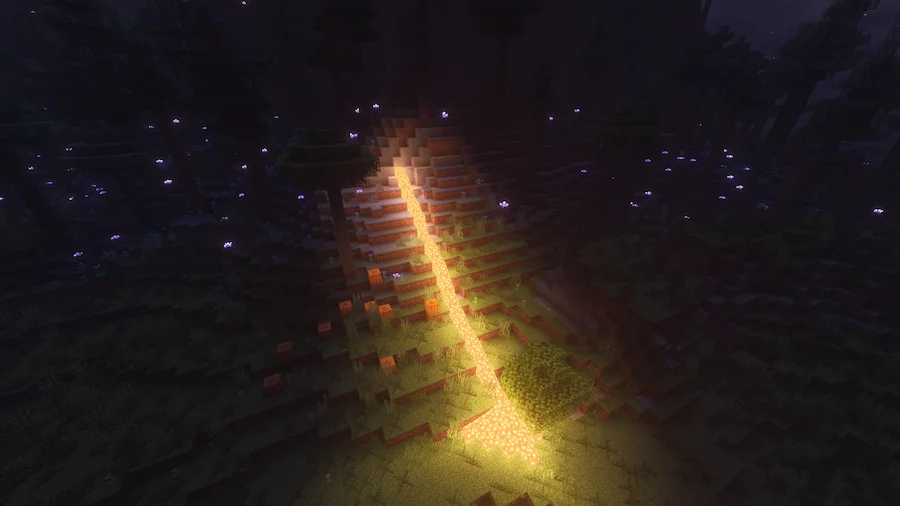
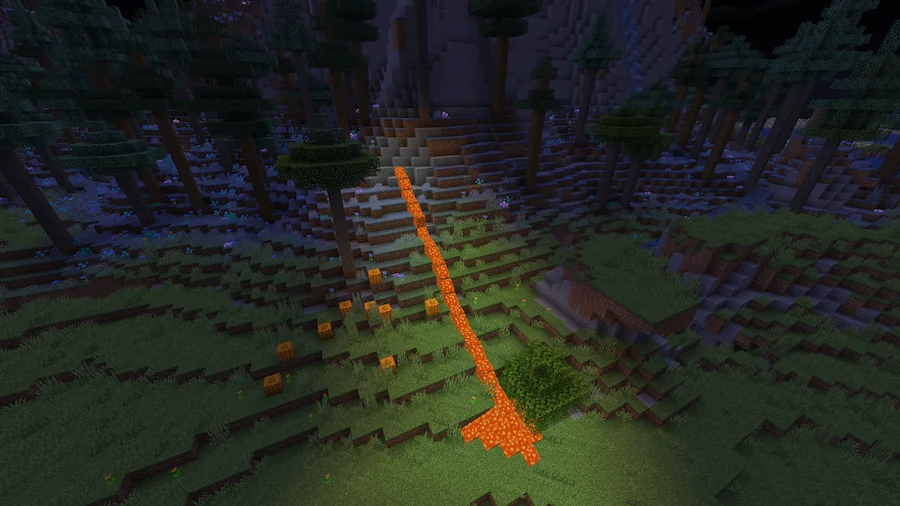
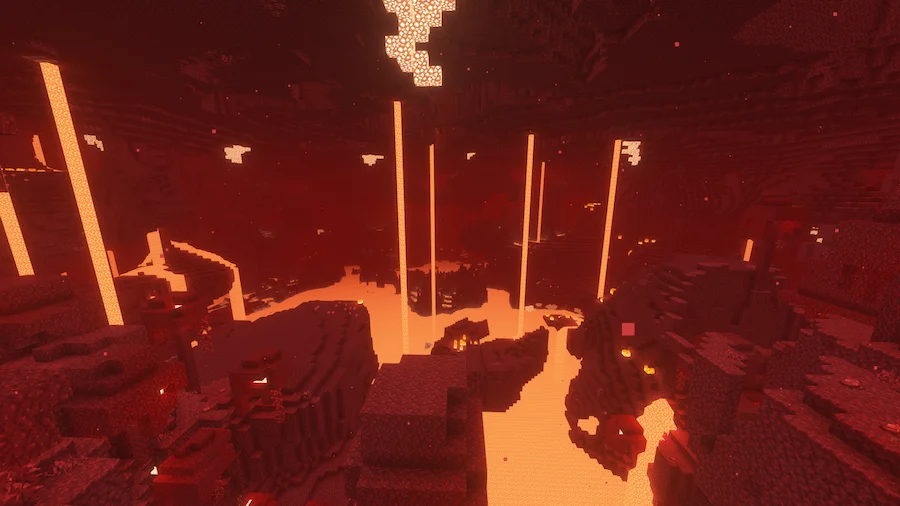
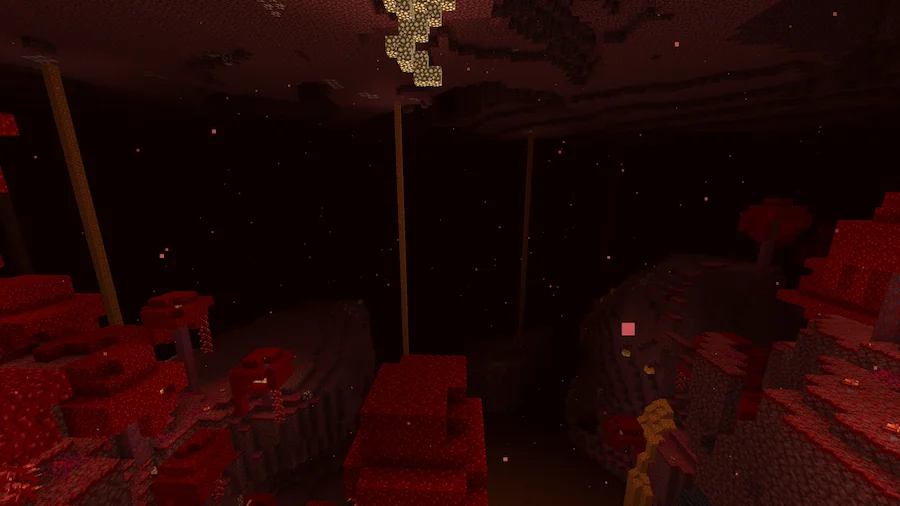
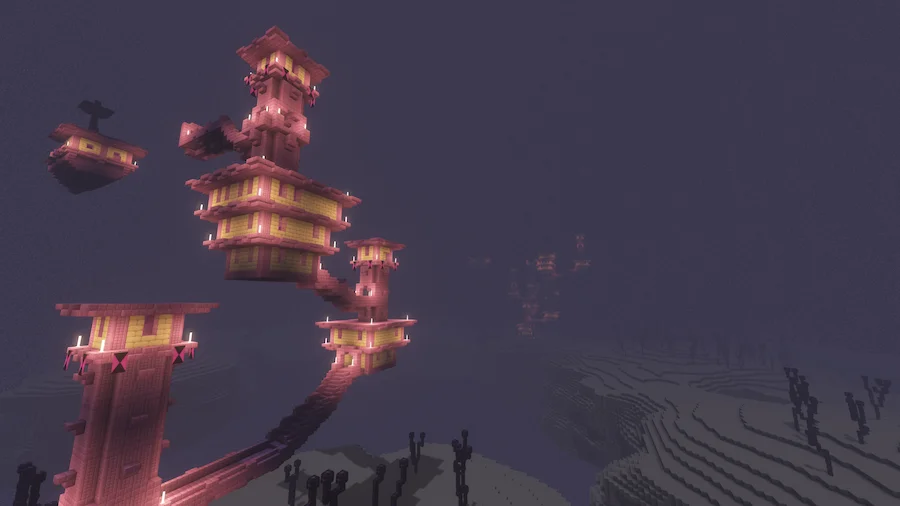
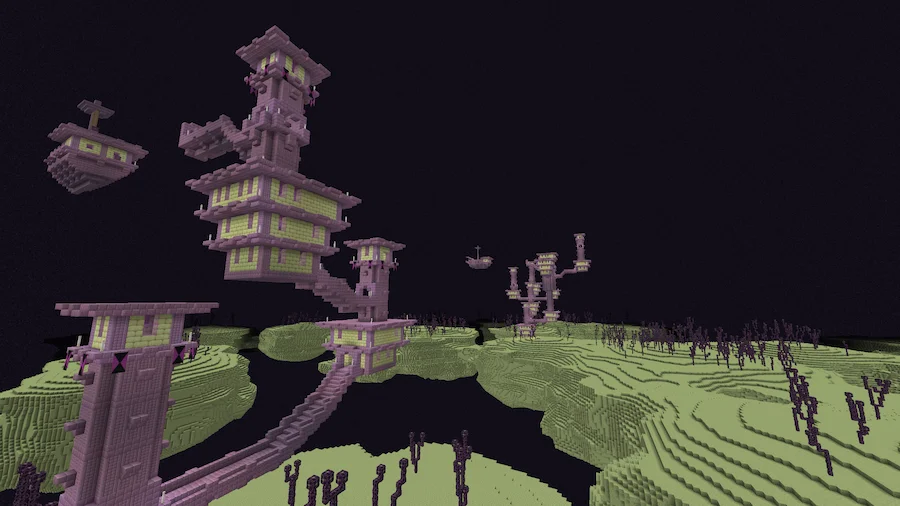
Pastel Shaders is a visually enchanting shader pack designed to infuse your Minecraft world with a soothing, stylized aesthetic. With multiple pastel-themed color presets, ranging from soft pinks to serene blues and gentle yellows, it offers a relaxed and vibrant atmosphere perfect for players seeking a near-vanilla yet artistic experience. Enjoy breathtaking sunsets, clear starry nights, and a tranquil vibe that transforms your world into a dreamy landscape while staying true to Minecraft’s simplicity.
This shader pack prioritizes accessibility and performance, with user-friendly settings that cater to both beginners and advanced users. Its high customization options allow you to tweak visuals to your liking, while optimized performance ensures it runs smoothly even on lower-end GPUs and integrated graphics. As the gentle counterpart to the Insanity Shaderpack, Pastel Shaders is based on BSL Shaders, offering an immersive yet calming visual experience that appeals to creative and adventurous players alike.


 Tags
Tags