logo responsive
/

Prominence II: Hasturian Era Minecraft ModPack

custom content the talent tree level up your character handcraft design forge your own endgame mythic challenges transmogrification
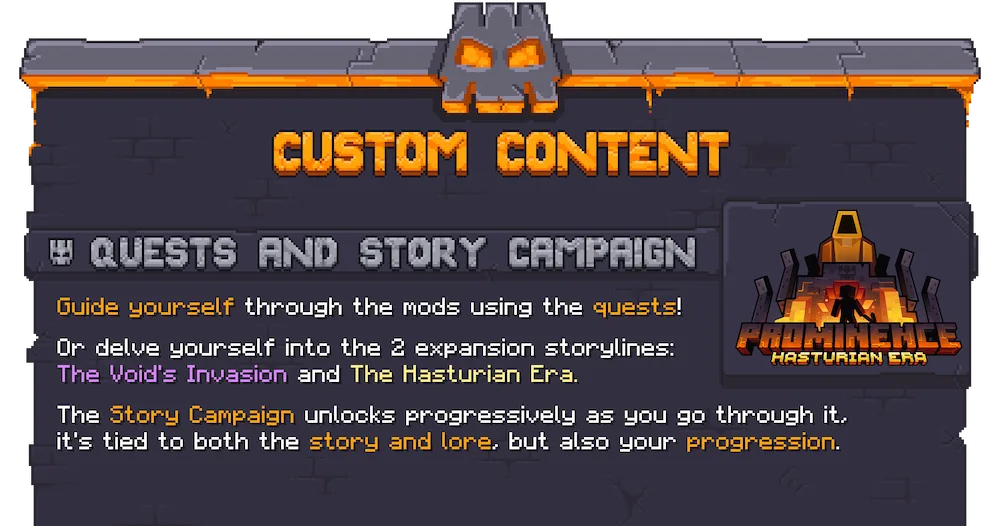
custom content
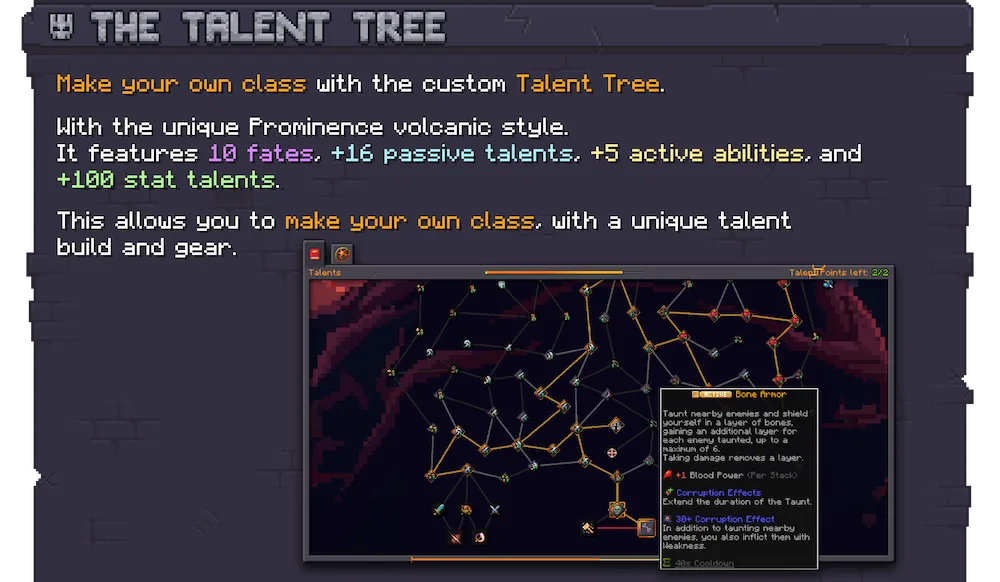

the talent tree
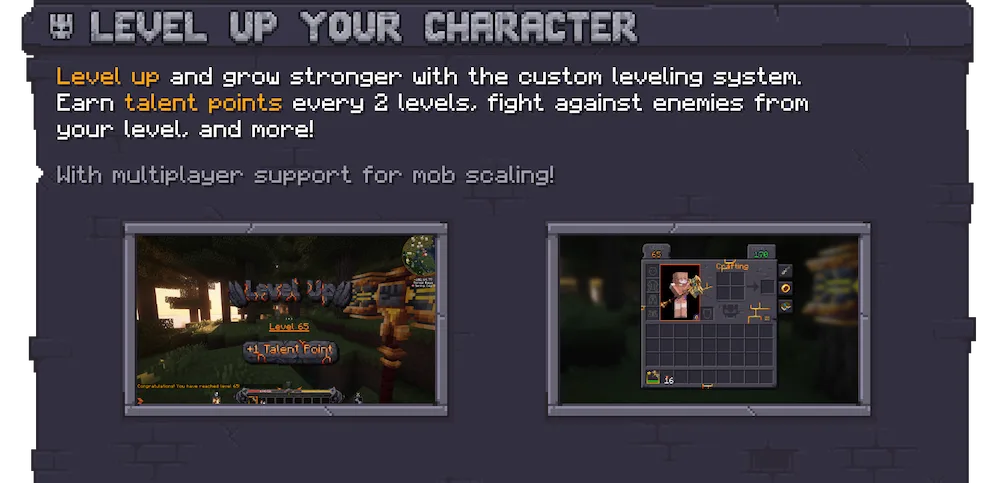
level up your character
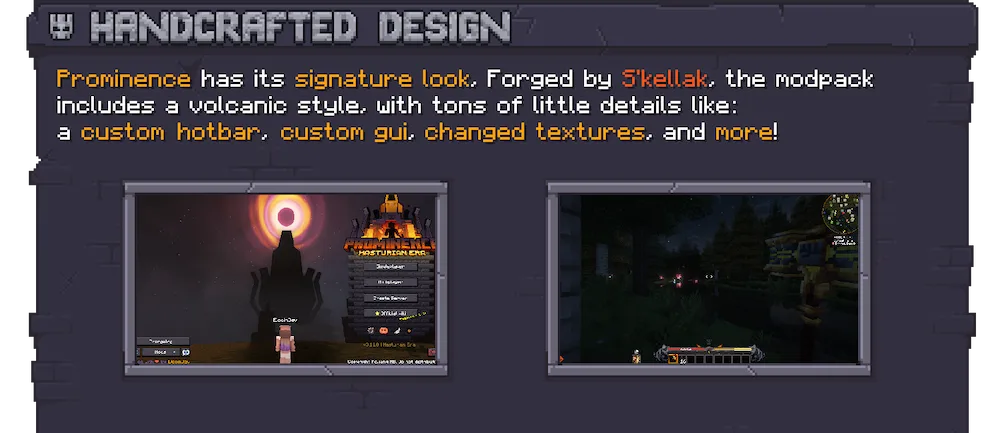
handcraft design
forge your own endgame
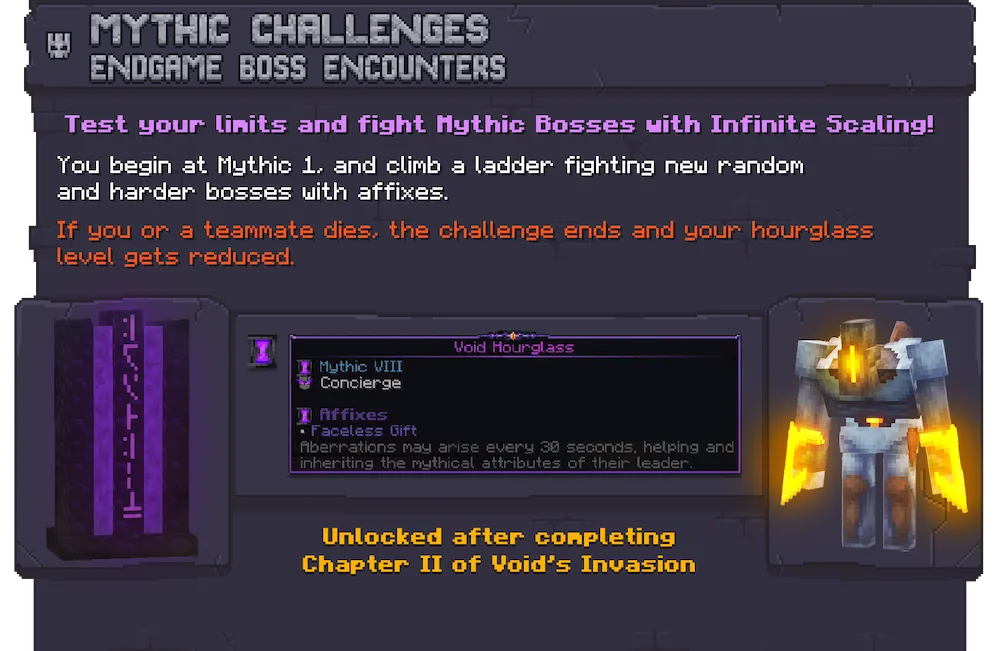
mythic challenges
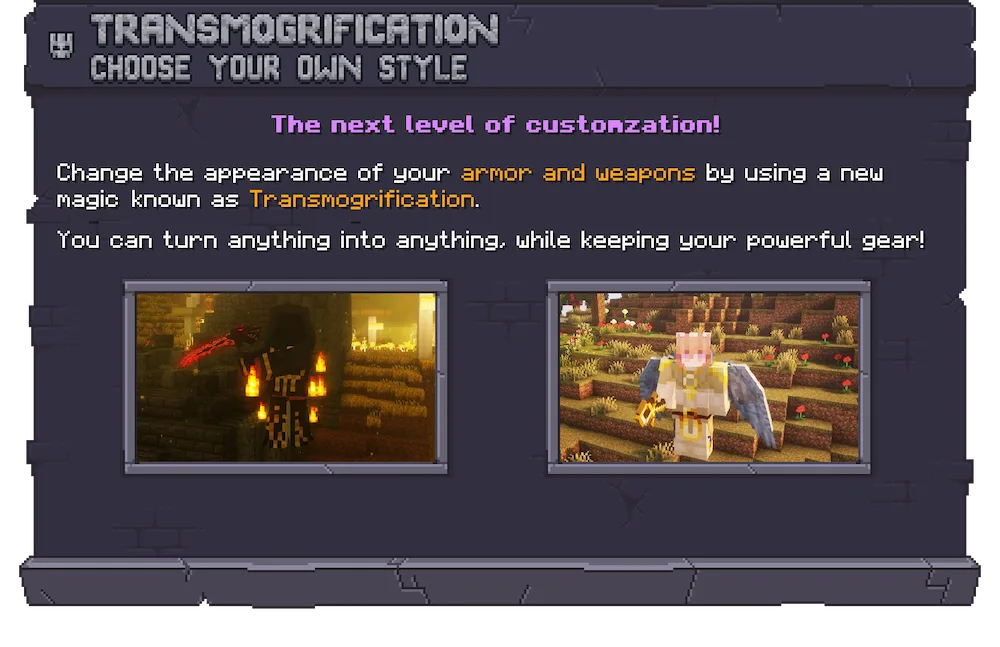
transmogrification

Prominence II: Hasturian Era is an RPG modpack that actually cares about balance while giving you a ton of cool stuff to do. You play as a traveler from another dimension stuck in a world where some kingdoms are still in the stone age while others have crazy high-tech gear. The best part is that the tech mods are totally optional, so you can focus on the story campaign and magic without ever touching a machine if you don’t want to. It features two huge storylines, like The Void’s Invasion, that guide you through the lore and make your character progression feel like a real journey.

The customization in this pack is wild thanks to a massive volcanic-style talent tree. You get to build your own class with active abilities and over a hundred stat talents as you level up. If you like a challenge, the endgame has Mythic Bosses that scale in difficulty, so the fights never get boring. You can even use transmogrification to change how your gear looks without losing any stats, meaning you can look cool while using the most powerful artifacts. It is a super polished experience with a custom GUI and hand-crafted textures that make the whole game feel like a brand-new RPG.

Fabric

  1. 1. Download, execute the Fabric installer, choose Client, select your Minecraft version, and click Install.
  2. 2. Download the Fabric API matching that Minecraft version.
  3. 3. Download Prominence II: Hasturian Era or any additional Fabric-compatible mods you want.
  4. 4. Place the Fabric API and all mods into .minecraft/mods folder.
  5. 5. Open the Minecraft Launcher, select the new Fabric profile, and press Play. Enjoy!

Forge

  1. 1. Download, execute the Forge installer, choose Client, and click Install.
  2. 3. Download Prominence II: Hasturian Era or any additional Forge-compatible mods you want.
  3. 4. Place all mods into .minecraft/mods folder.
  4. 5. Open the Minecraft Launcher, select the new Forge profile, and press Play. Enjoy!

NeoForge

  1. 1. Download, execute the NeoForge installer, choose Client, and click Install.
  2. 3. Download Prominence II: Hasturian Era or any additional NeoForge-compatible mods you want.
  3. 4. Place all mods into .minecraft/mods folder.
  4. 5. Open the Minecraft Launcher, select the new NeoForge profile, and press Play. Enjoy!

Download Prominence II: Hasturian Era ModPack

Type Game version File version Loaders Download
R Release
1.20.1 v3.9.26
Fabric
Modrinth File
R Release
1.20.1 v3.9.26
Fabric
Curseforge File

Prominence II: Hasturian Era Minecraft ModPack

2 files

Download