
logo responsive
/

Wakes Minecraft Mod

26.2, 26.1.2, 1.21.11, 1.20.6, 1.19.2

Splash particles Shader compatibility Splashes depend on entity size Colored wakes
Splash particles
Shader compatibility
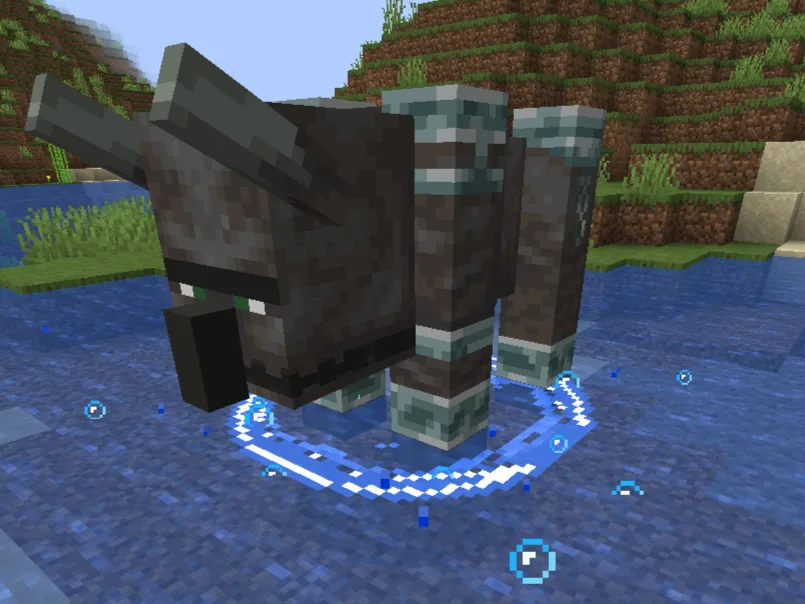
Splashes depend on entity size
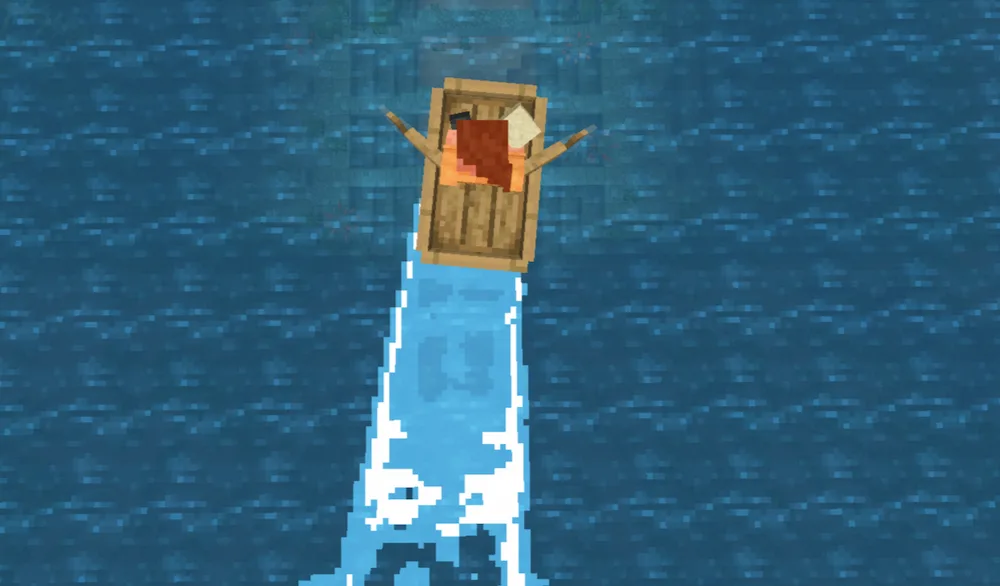
Colored wakes

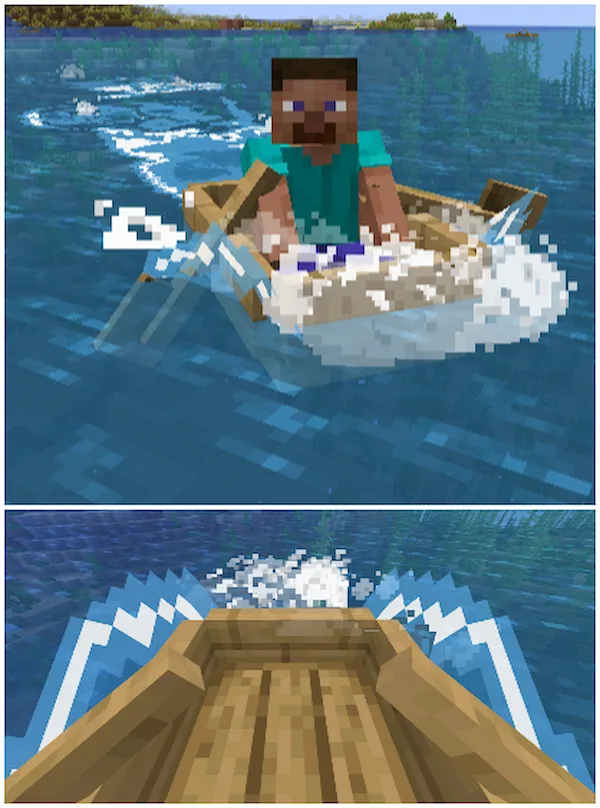
Wakes mod is a physics-based visual enhancement that adds realistic water ripples and splashes to Minecraft while maintaining a clean, “Vanilla+” aesthetic. It replaces the static, unreactive water surface with a dynamic simulation that tracks every entity, creating circular waves that expand outward as you or mobs move through the water. The mod also features specific details for boating, such as waves that appear precisely at the oars and dramatic “water shooting” effects on both sides of the hull as you pick up speed.

Beyond horizontal movement, the mod introduces high-quality splash effects for vertical impacts, making it much more satisfying to dive into a lake from a height. Because it uses the MidnightLib configuration system, you have complete control over the intensity and performance of these effects, allowing you to fine-tune the “wake life” and wave height to suit your PC’s power. It is available for both Fabric and Forge on modern versions like 1.21.x, making it an essential companion for other water-focused mods or high-end shaders.


Fabric

  1. 1. Download, execute the Fabric installer, choose Client, select your Minecraft version, and click Install.
  2. 2. Download the Fabric API matching that Minecraft version.
  3. 3. Download Wakes or any additional Fabric-compatible mods you want.
  4. 4. Place the Fabric API and all mods into .minecraft/mods folder.
  5. 5. Open the Minecraft Launcher, select the new Fabric profile, and press Play. Enjoy!

Forge

  1. 1. Download, execute the Forge installer, choose Client, and click Install.
  2. 3. Download Wakes or any additional Forge-compatible mods you want.
  3. 4. Place all mods into .minecraft/mods folder.
  4. 5. Open the Minecraft Launcher, select the new Forge profile, and press Play. Enjoy!

NeoForge

  1. 1. Download, execute the NeoForge installer, choose Client, and click Install.
  2. 3. Download Wakes or any additional NeoForge-compatible mods you want.
  3. 4. Place all mods into .minecraft/mods folder.
  4. 5. Open the Minecraft Launcher, select the new NeoForge profile, and press Play. Enjoy!

Download Wakes Mod

Type Game version File version Loaders Download
B Beta
26.2 v0.7.0
Fabric
File
B Beta
26.1.x v0.6.0
Fabric
File
B Beta
1.21.11 0.5.1
Fabric
File
B Beta
1.21.10 v0.4.4
Fabric
File
B Beta
1.21.8 v0.4.3
Fabric
File
B Beta
1.21.4 v0.4.2
Fabric
File
B Beta
1.21.1 v0.4.1
Fabric
File
B Beta
1.20.6 v0.3.0
Fabric
File
B Beta
1.20.4 v0.2.4
Fabric
File
B Beta
1.20.1 v0.4.0
Fabric
File
B Beta
1.19.2 v0.2.3
Fabric
File

Wakes Minecraft Mod

11 files • 26.2, 26.1.2, 1.21.11, 1.20.6, 1.19.2

Download