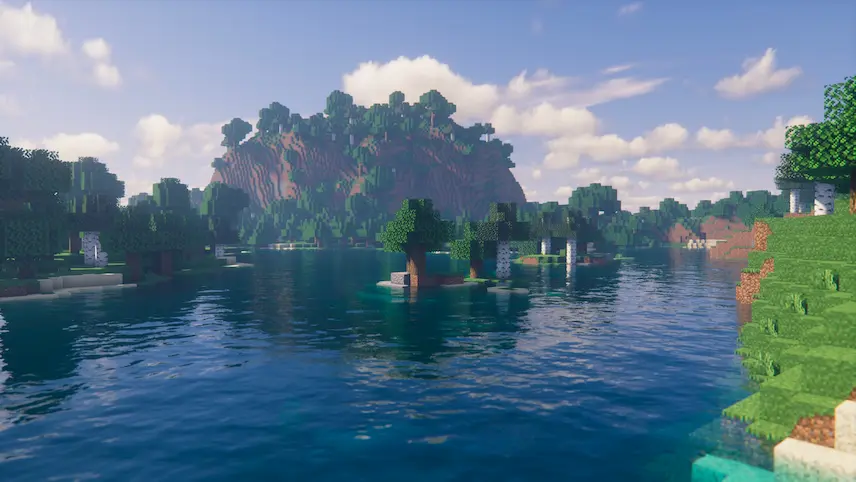
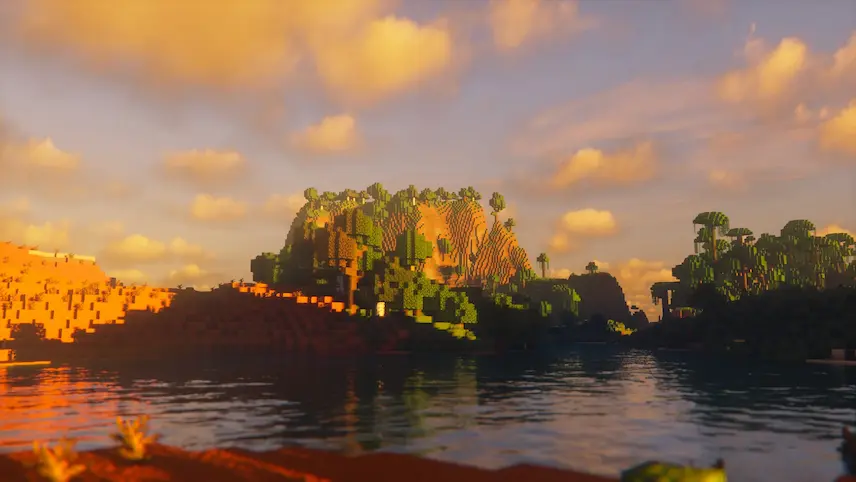
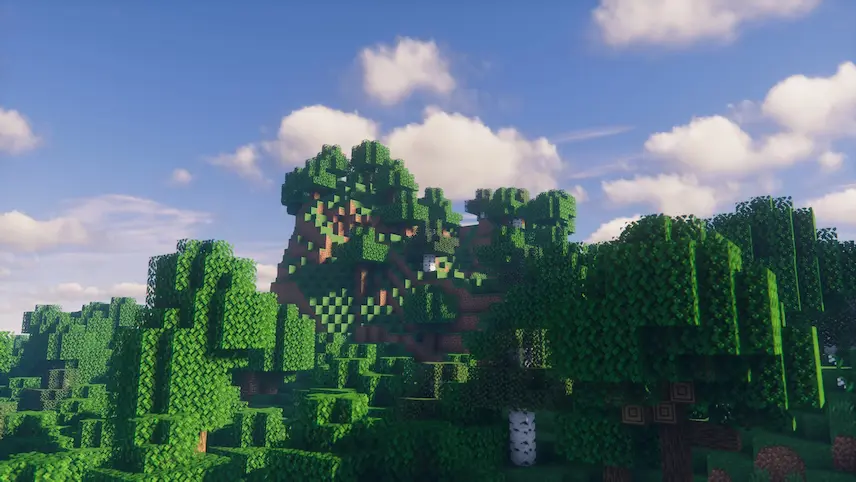
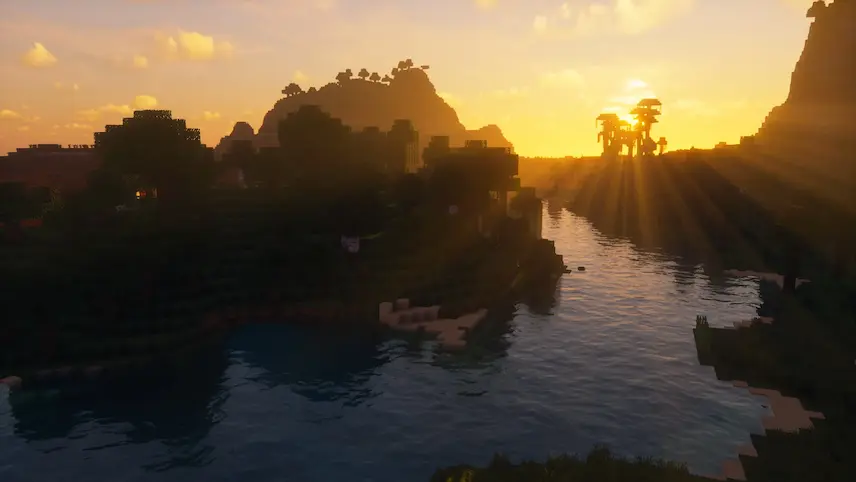
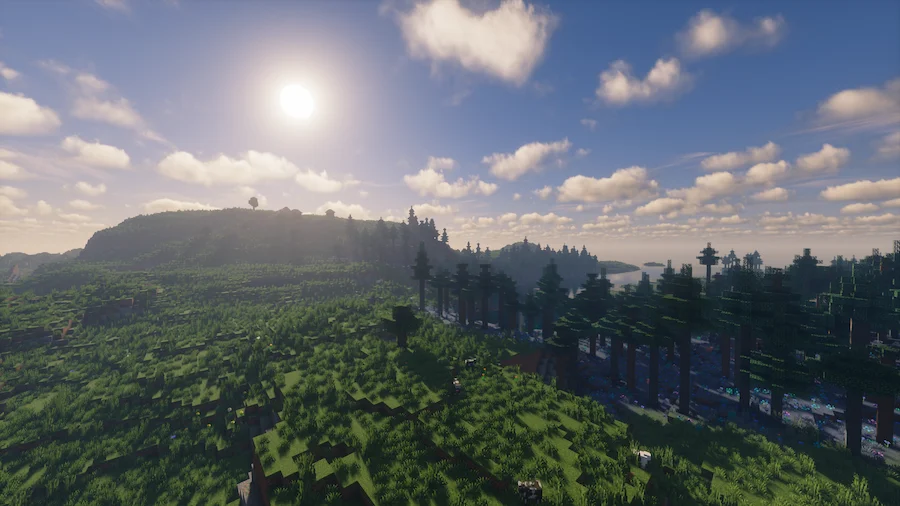
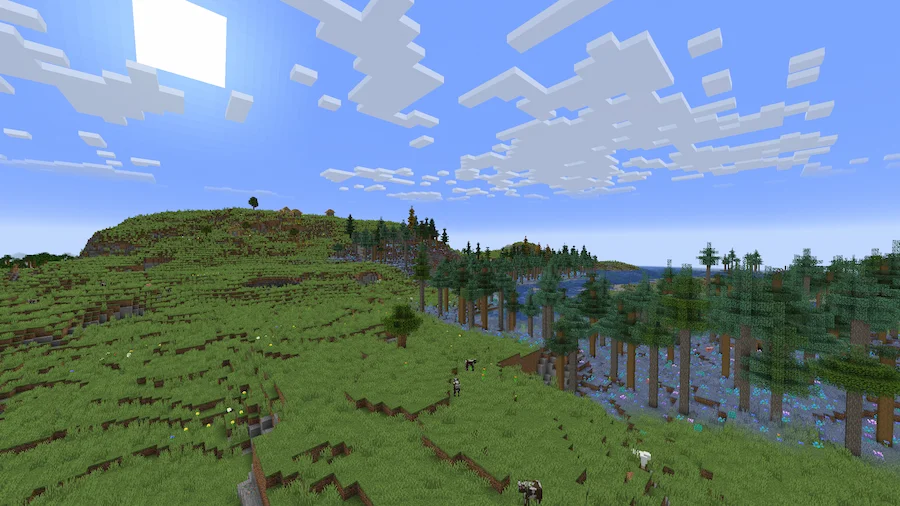
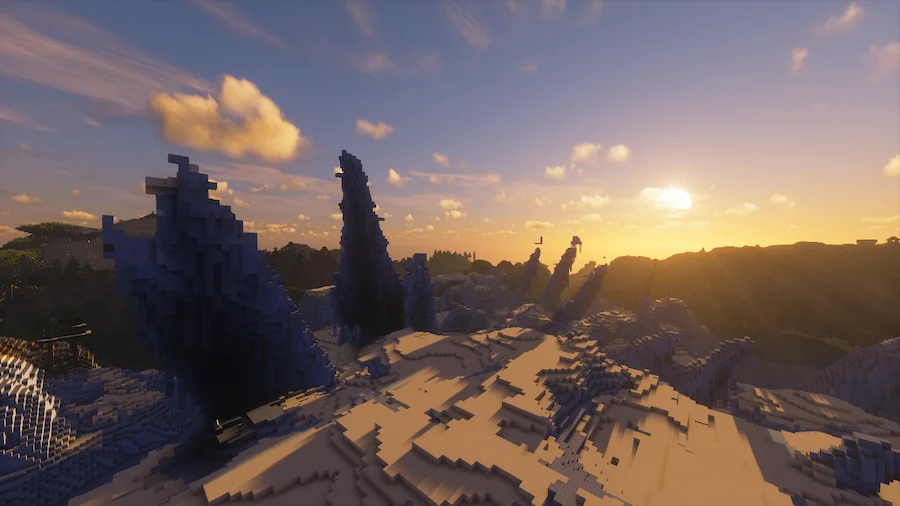
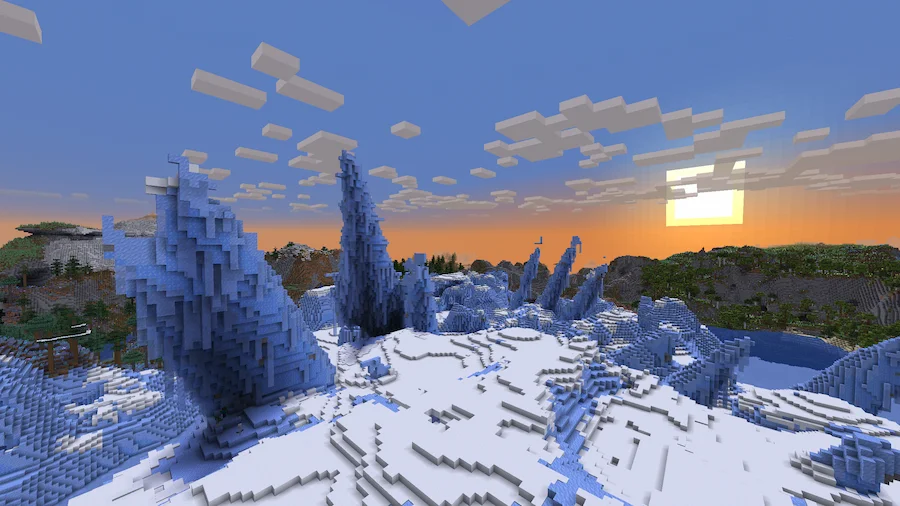
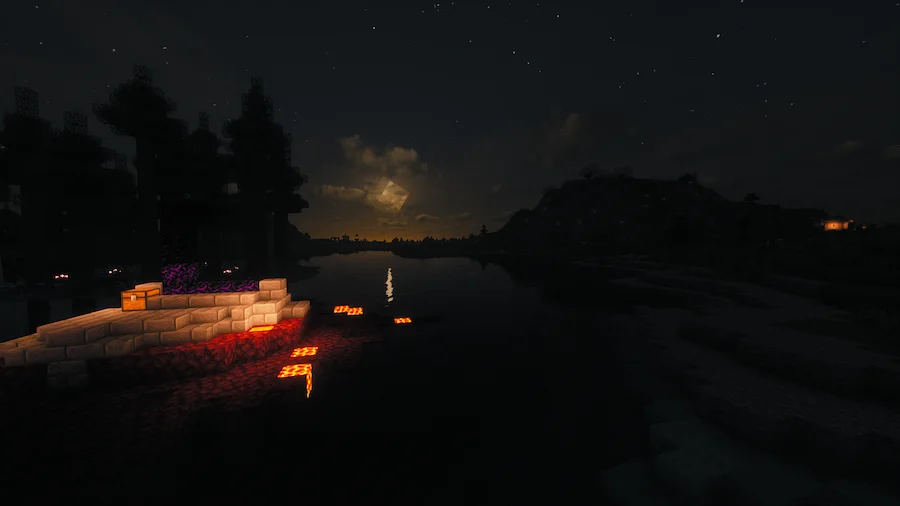
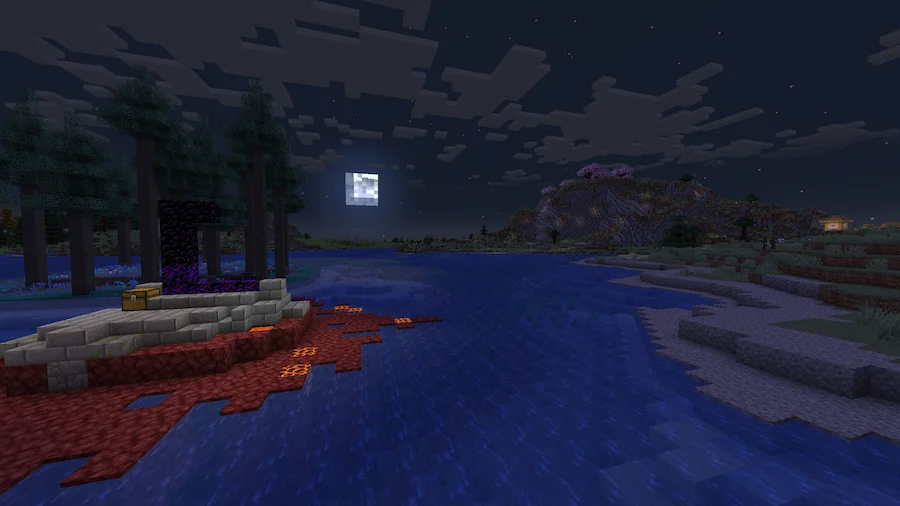
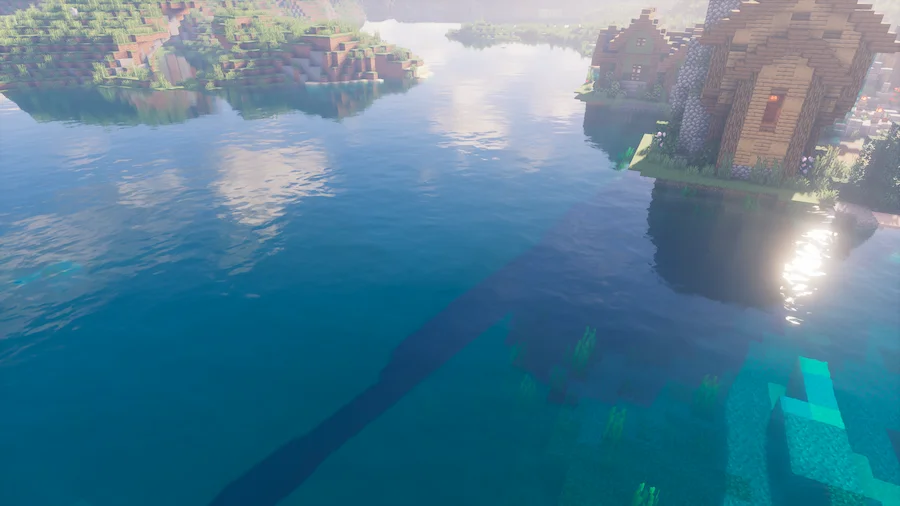
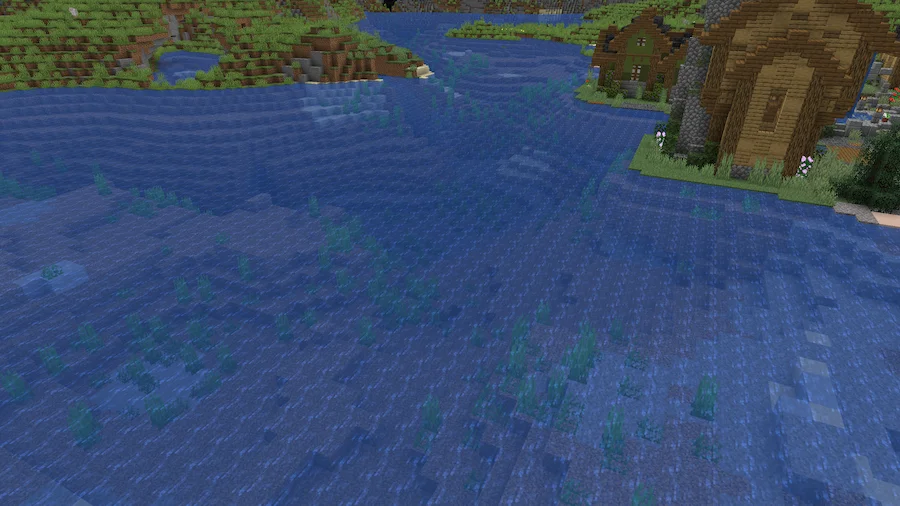

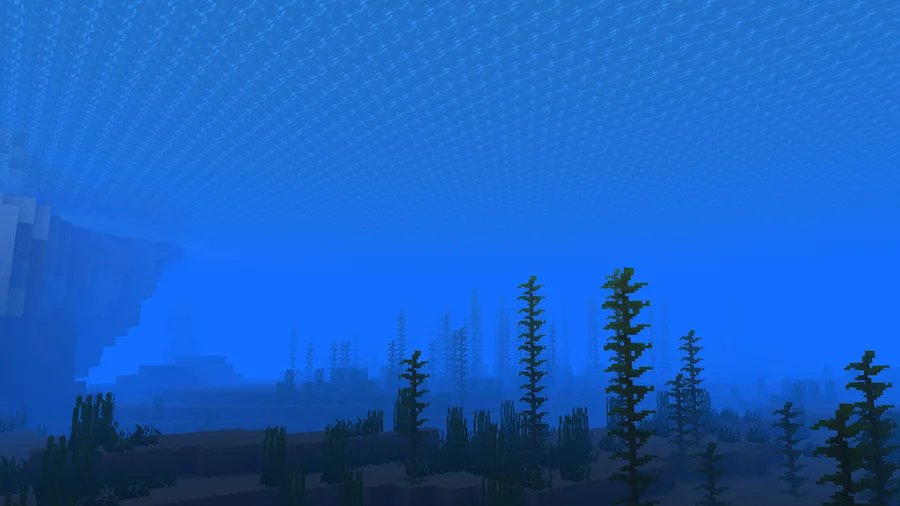
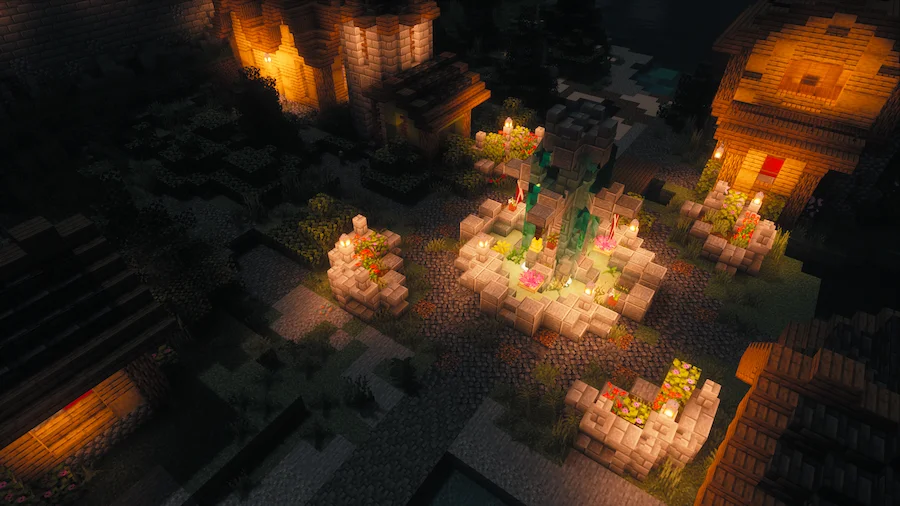
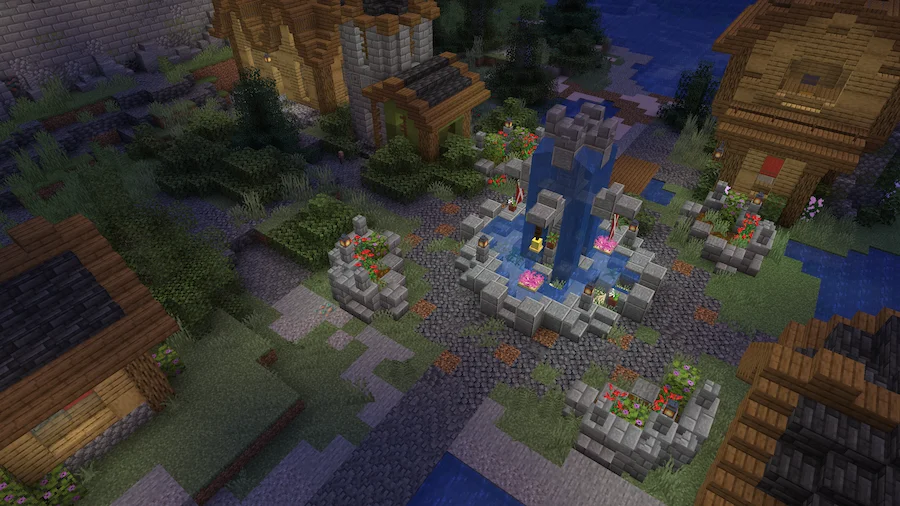
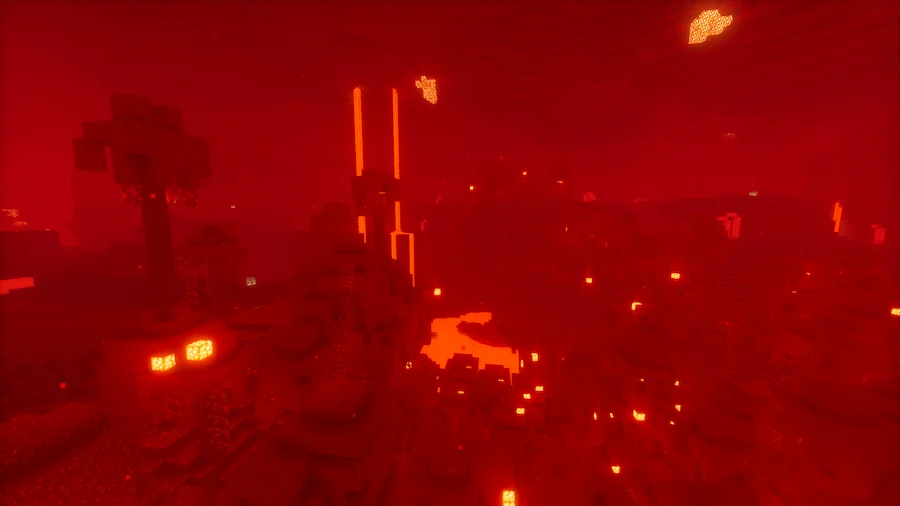
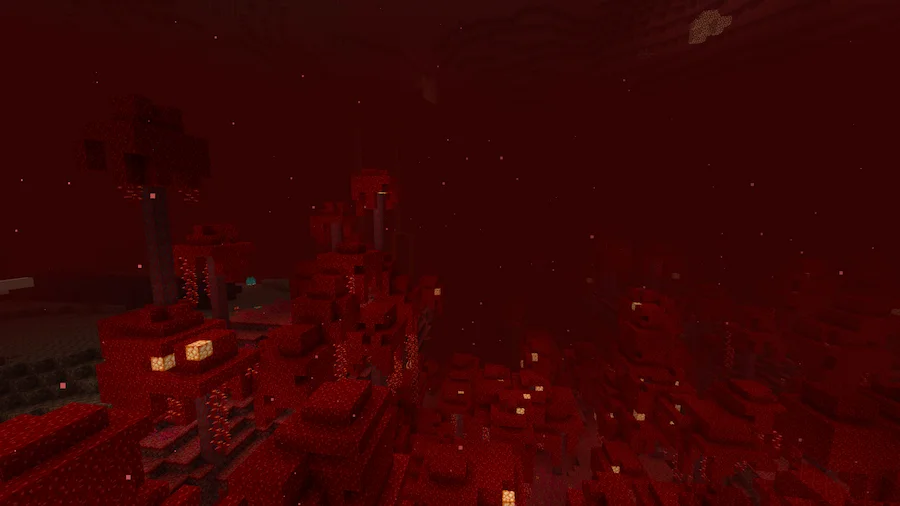
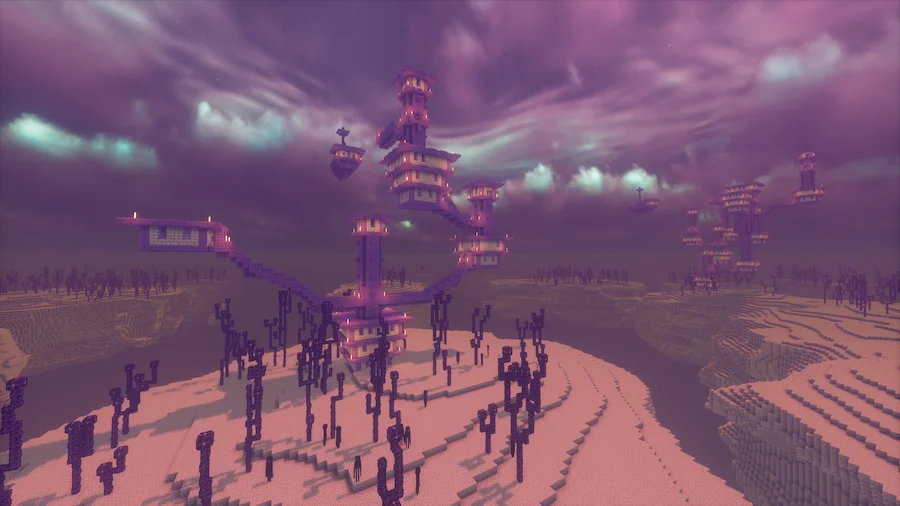
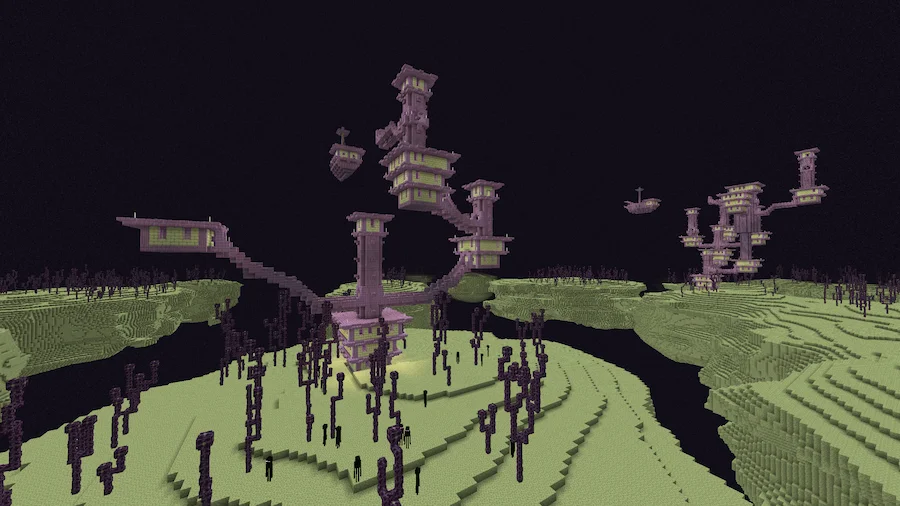
The FastPBR Shader is a lightweight yet visually impressive shader pack for Minecraft: Java Edition, designed to deliver high-quality visuals using PBR (physically based rendering) atmospherics. Despite common misconceptions, PBR in this context does not imply specular texture support but rather focuses on realistic atmospheric effects and lighting techniques.
This shader offers a range of features, including dynamic soft shadows, screen-space indirect lighting using HBIL, temporal anti-aliasing with upscaling (TAAU), and a procedurally generated skybox with volumetric clouds and fog. Optional lens effects such as depth of field, lens flares, and vignette further enhance its cinematic appeal. To run FastPBR, you’ll need Iris 1.6.0 or newer, a graphics card supporting OpenGL 4.3 or later, and a Windows or Linux system. Notably, this shader pack does not support OptiFine, as it relies on Iris’ advanced features.






 Tags
Tags